×
Privacy Policy
Last updated: 4 August 2026
Layerdots ERP is a billing and shop-management system for shops and businesses. This policy covers all of our apps:
- the desktop app for Windows and macOS (Apple Silicon and Intel), which is the main application and holds your shop's records; and
- the Layerdots ERP phone app for Android and iPhone, which works with the shop's own computer.
In short: your business data stays on your own computer by default, and only leaves it if you choose to switch on the optional Cloud Sync feature. Where a section applies to only one of the apps, it says so.
1. Your data stays on your device by default
Everything you create in the app, sales and bills, estimates, inventory, purchases, customers, suppliers, payments, reports and activity history, is stored on your own computer, inside your Documents folder. Unless you turn on Cloud Sync, we do not upload it, we do not run a server for it, and we cannot see it. Any backups you make are saved to the location you choose, on your own drives.
The phone app does not keep a second copy of your shop's records. It reads them from your computer as you use it, and stores only what it needs to work: which computer it is paired with, its pairing credentials and signed-in staff user, your shop name, and any bill you made while the computer was switched off (kept on the phone until it can be sent). Invoice PDFs it creates for sharing are written to the phone's temporary storage. Uninstalling the phone app removes all of it.
2. Optional Cloud Sync (off by default)
The app includes an optional Cloud Sync feature, found in Settings → Data & Backup. It is switched OFF by default; until you enable it, nothing in this section applies and your data never leaves your computer. If you enable it for a shop you have activated with a licence:
- What is synced: that shop's business records (sales, estimates, inventory, purchases, customers, suppliers, payments) are kept in sync with our secure cloud database, so you can use the same shop on more than one device.
- Where it is stored: with our cloud infrastructure provider (Supabase), on servers located in India (Mumbai region).
- Isolation: your data is tied to your own account and is technically isolated so other businesses using Layerdots ERP cannot access it.
- Why: solely to provide the sync and cloud-backup service you asked for. We do not sell it, share it, or use it for advertising.
- Deleted records: when you delete something in the app, the cloud copy is permanently erased within 30 days.
- Turning it off: you can switch Cloud Sync off any time in Settings; new changes then stop being uploaded.
3. AI invoice scanning (optional)
The app has an optional invoice-scanning feature. Only when you choose to use it, and only if the file you pick is an image or a PDF, that file is sent to Google's Gemini AI service to read the items for you; Google's handling of it is governed by their own privacy terms. Excel and CSV files are not sent anywhere: they are read on your own computer, which is also why they never count against your monthly scan limit. If you never use invoice scanning, nothing leaves your computer for this feature.
4. The phone app (Android and iPhone)
The phone app is optional. If you never pair a phone, none of this section applies and nothing about it affects the desktop app.
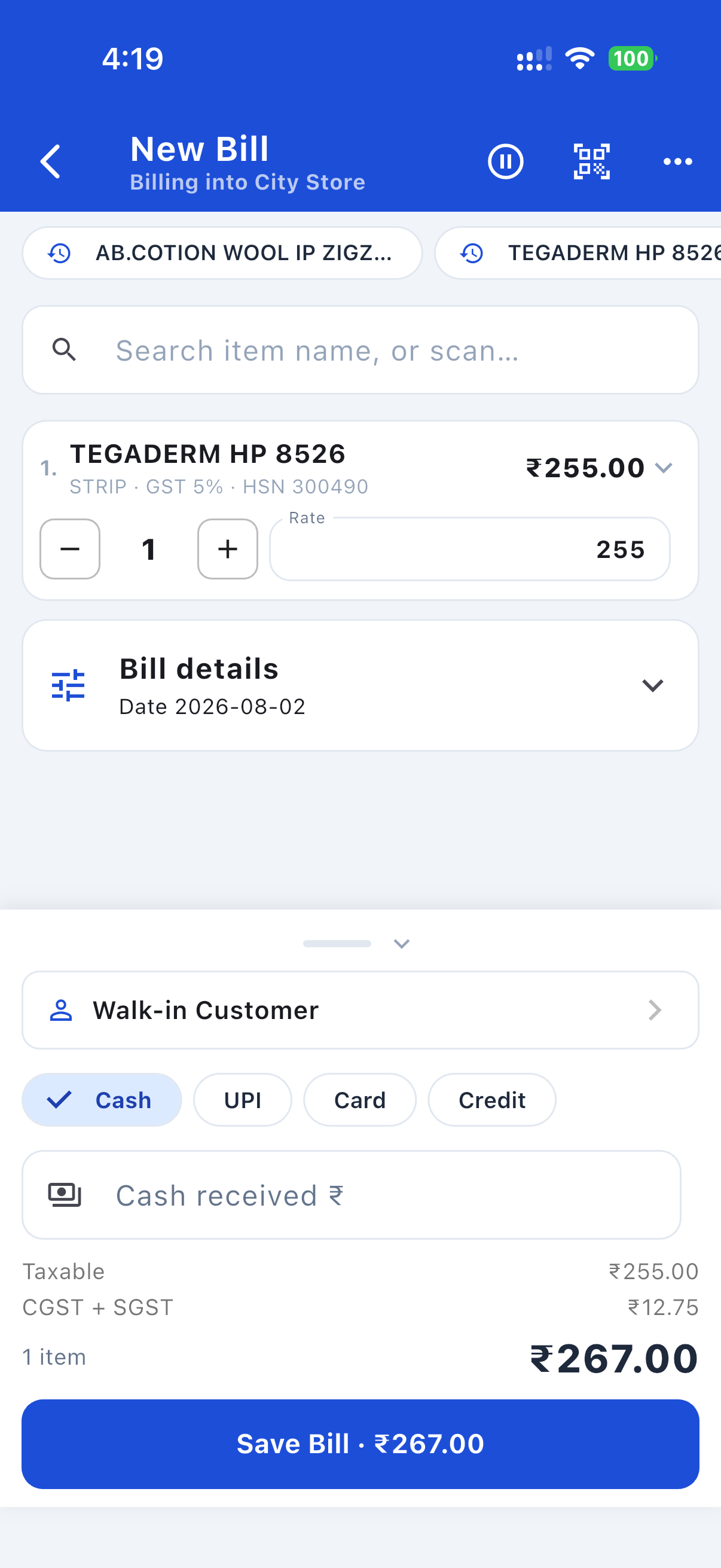
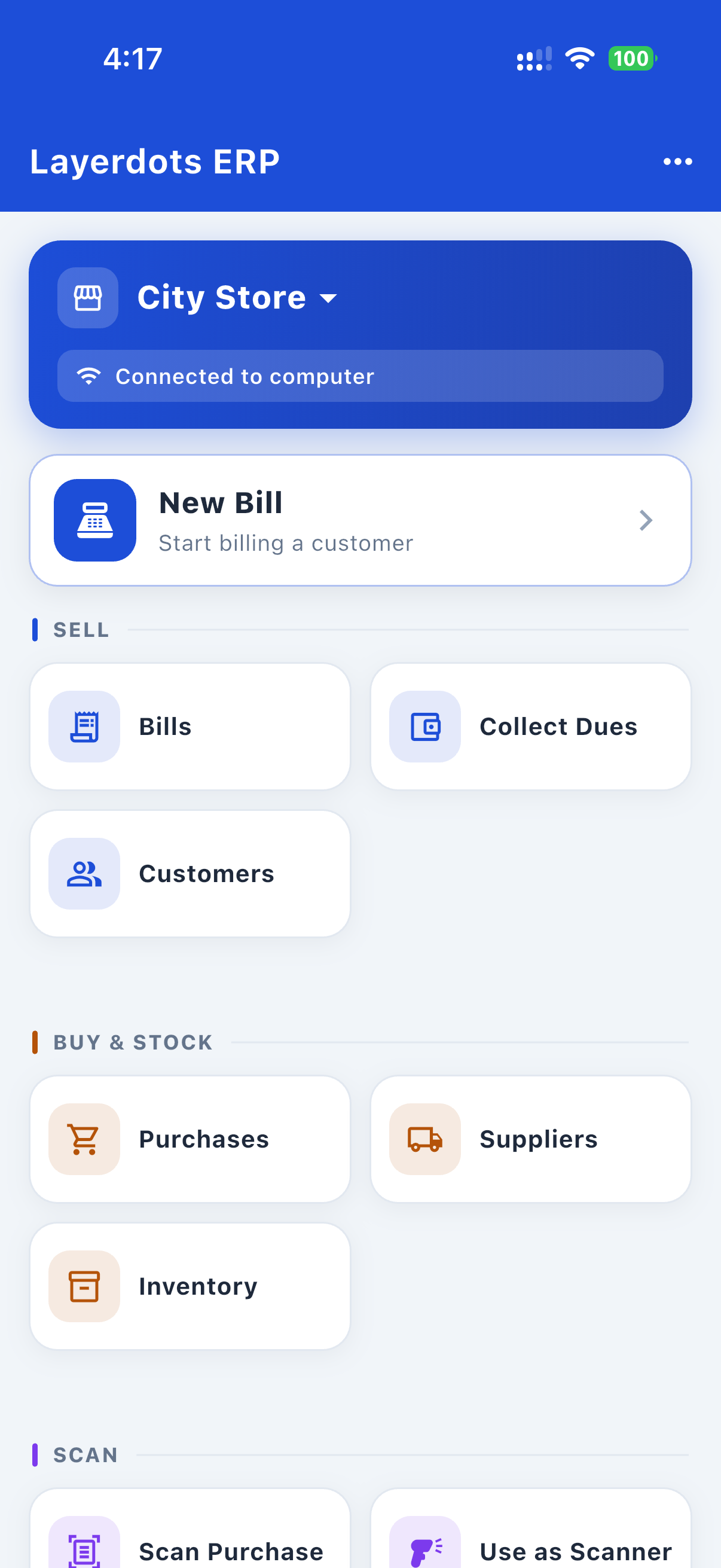
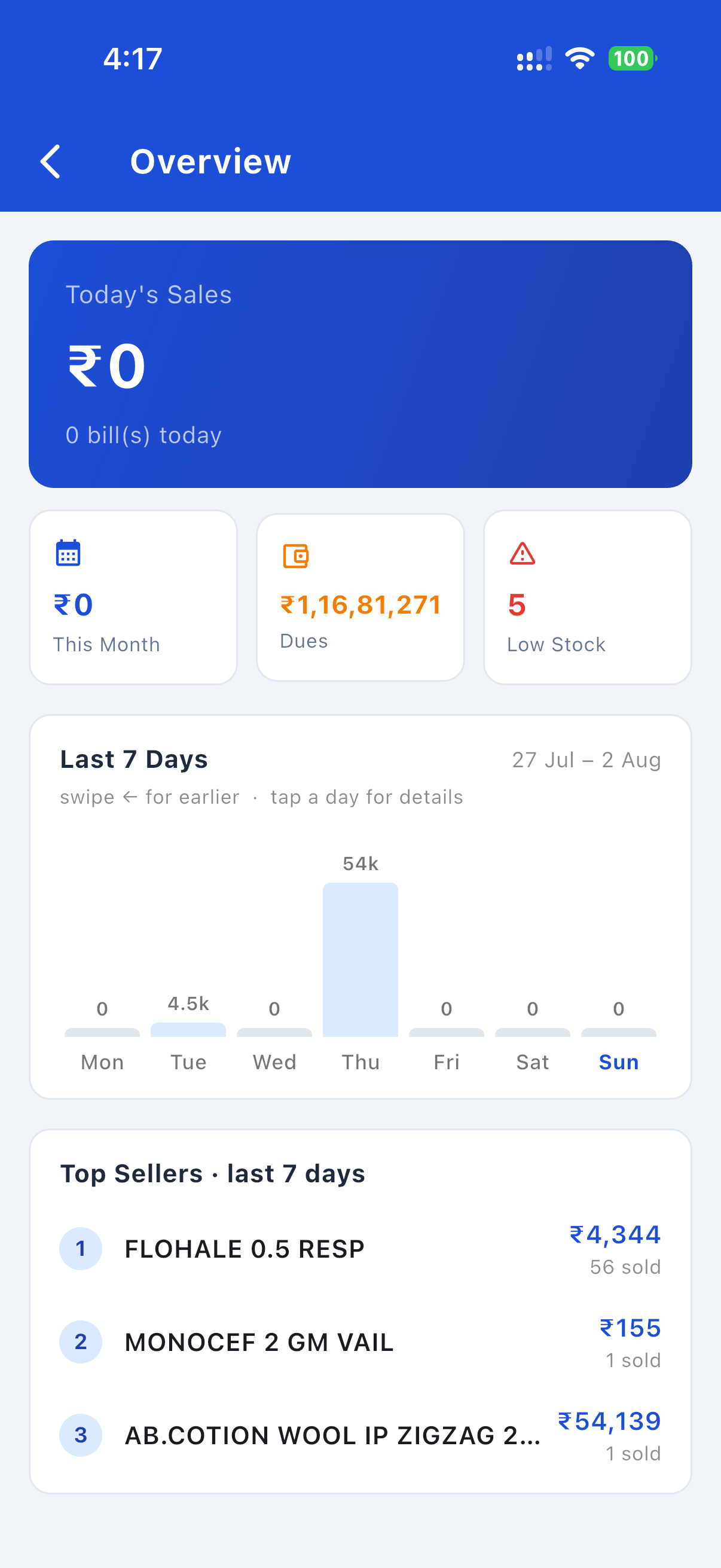
What it does. You pair it with your shop's computer using a code shown on the computer. Once paired you can make and view bills, look up stock and batches, manage customers and dues, record returns, see reports, and photograph a purchase invoice for scanning. It is a window onto the shop's records, not a separate copy of them.
How it reaches your data, two routes:
- On your own Wi-Fi: the phone talks directly to your computer over your local network. Nothing goes to us or to any server, and nothing leaves the premises.
- When the computer is off or unreachable: if you have enabled Cloud Sync for that shop, the phone can fall back to our cloud service (Supabase, India / Mumbai region, the same service and the same isolation described in section 2) so the app keeps working. Each request is signed by that specific paired phone. If Cloud Sync is off, there is no fallback and the phone simply waits for the computer.
Invoice scanning from the phone uses the same optional AI feature described in section 3, and the same terms apply.
The phone app collects nothing for us. It sends us no usage ping, no analytics and no error reports. There is no advertising software in it, it does not use an advertising identifier, and it does not track you across other apps or websites. Your shop's records go nowhere except your own computer or, on the fallback route above, your own shop's isolated cloud records.
Barcode scanning on Android. The Android app reads barcodes and QR codes using Google's ML Kit, a Google component that runs on the phone itself. It works offline, and we give it nothing but the camera view it needs to find a code. That component also carries Google's own diagnostics channel, which can report to Google how their scanner is running. It is Google's, governed by their privacy terms; it is not something we can switch off, and we never see it. It carries none of your bills, stock, customers or other shop records. The iPhone app contains no Google component and scans using Apple's built-in scanner.
Permissions are asked for only when the feature needs them: the camera for scanning invoices and barcodes, photos if you pick an existing invoice image, and local-network access so the phone can find your computer on your Wi-Fi.
5. Your install record, usage counts and this website
This section is about the desktop app only. The phone app sends us no ping and no error reports. See section 4.
The desktop app sends one launch ping per day: a random install id, the app version, which operating system it is running on (Windows or macOS), a device identifier (a one-way code derived from your computer, used to recognise this installation and, if ever needed, deactivate a specific computer; it can't be reversed to identify your hardware), and, once you've set up your shop, your shop name and phone number, and your license status (trial or paid plan, which plan, and its expiry date), so we can recognise you and help you with your account and renewals. It contains no customer data, no sales or other business data, no actual license key and no IP address, and it is readable only by us. If the app hits an unexpected technical error it also sends a small error report (the error message and technical trace with your computer's username removed, app version, OS name and the same install id: never any business data, capped per day) so we can fix problems quickly. The app also checks for updates. This website uses Google Ads conversion measurement, Microsoft Clarity (to see how the page is used) and an anonymous download counter. We never sell or share data, and we do not sign you in to any online account unless you enable Cloud Sync.
6. Information about your customers
When you save a customer's details for billing or credit, that information is stored in your local database. If you enable Cloud Sync, those details are included in what is synced. The same customer details can be viewed and edited from the paired phone app, which reads them from your computer over your Wi-Fi (or, if Cloud Sync is on and the computer is off, from your shop's own cloud records; see section 4). In all cases you remain responsible for your customers' personal data under the laws that apply to your business.
Some of these details can be sensitive: if you record a customer's PAN or Aadhaar number for GST purposes, it is handled exactly like the rest of that customer's record: stored with your shop's data, included in Cloud Sync if you have enabled it, and never sold, shared or used for advertising.
7. Keeping your data safe
Your on-device data's safety depends on your computer's security and your backups; we recommend regular backups and a delete-protection password in Settings. When Cloud Sync is on, the cloud copy is protected by your account credentials and the provider's security, so keep your licence and device secure. A paired phone can reach your shop's data, so keep the phone locked with a passcode and unpair it in Settings if you lose it or give it away.
8. Children
The app is a business tool and is not intended for use by children.
9. Changes to this policy
We may update this policy if the way the app handles information changes. The date at the top will always show the latest version.
10. Contact
Layerdots ERP · Email: contact@layerdots.com · WhatsApp or phone: +91 93682 76704